
Braun Theme Customisation

Navigation Icons
This code modification allowed me to add aliases that allow for different combinations of icon + word in the right hand navigation area.
There are two files that need to be edited:
- main.min.js.map
- navigation-icons.js
My example is to add the label 'Words' as an alias of Blog.
In main.min.js.map

Find the aliases for Blog then add the following text:
words:function(){return this.blog},
In navigation-icons.js
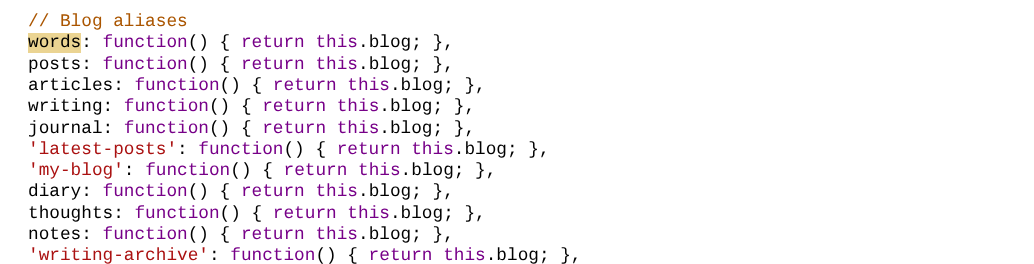
Find the aliases for Blog then add the following text:
words: function() { return this.blog; },
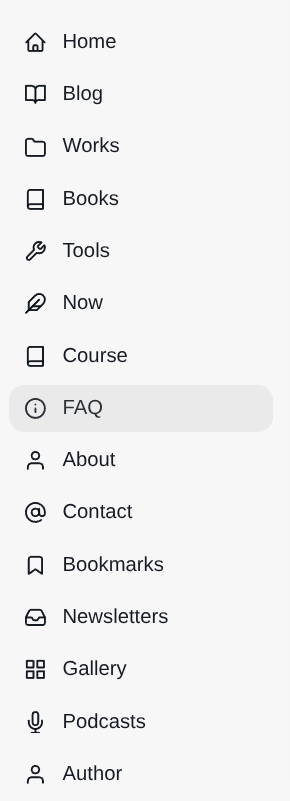
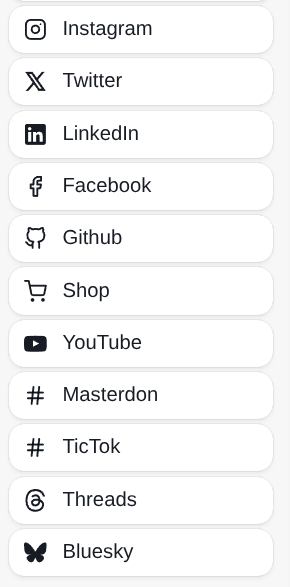
These are the standard icons available with Braun:
That's it.
Changing the url slug from /blog/ to /words/
This one was a bit of a pain. The default code in routes.yaml is:
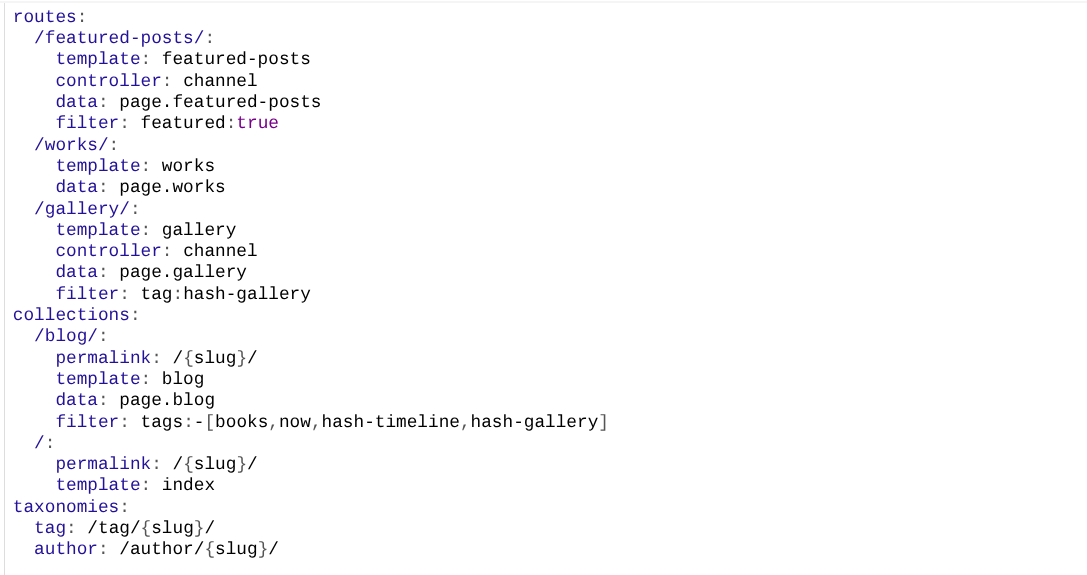
The /blog/ section was amended:
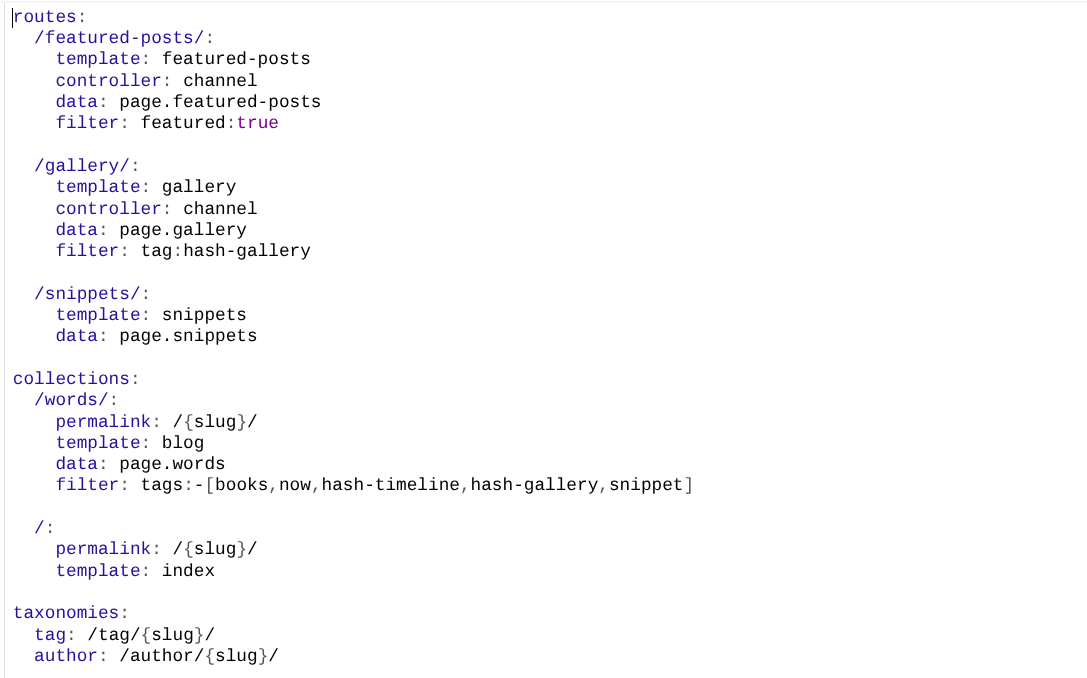
This now gets the /works/ slug working with the blog template. But that template is hard coded so the 'all' tag navigation at the top of the page points to /blog/, resulting in a 'page not found' error. This was fixed by editing the car-nav.hbs file (line 12) and replacing /blog/ with /words/
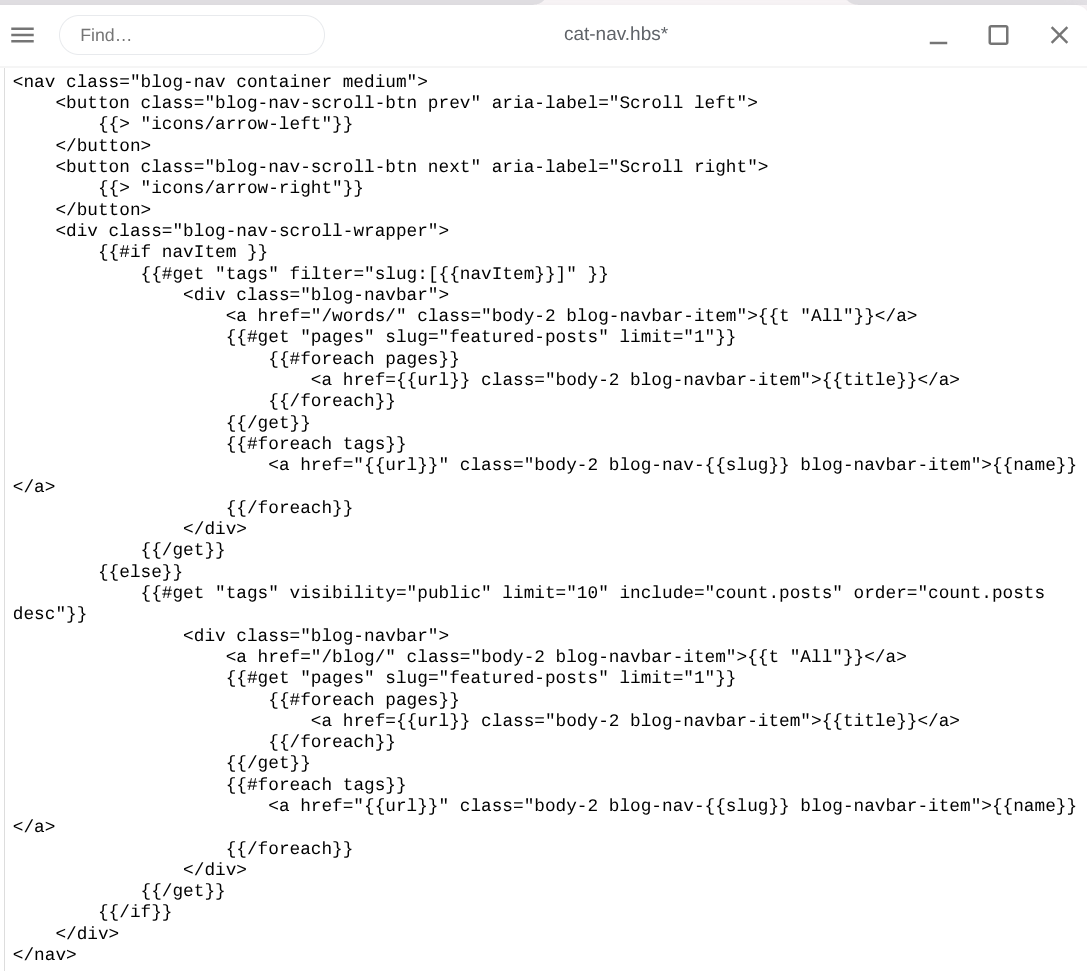
Done! (Unless it auto upgrades 😄
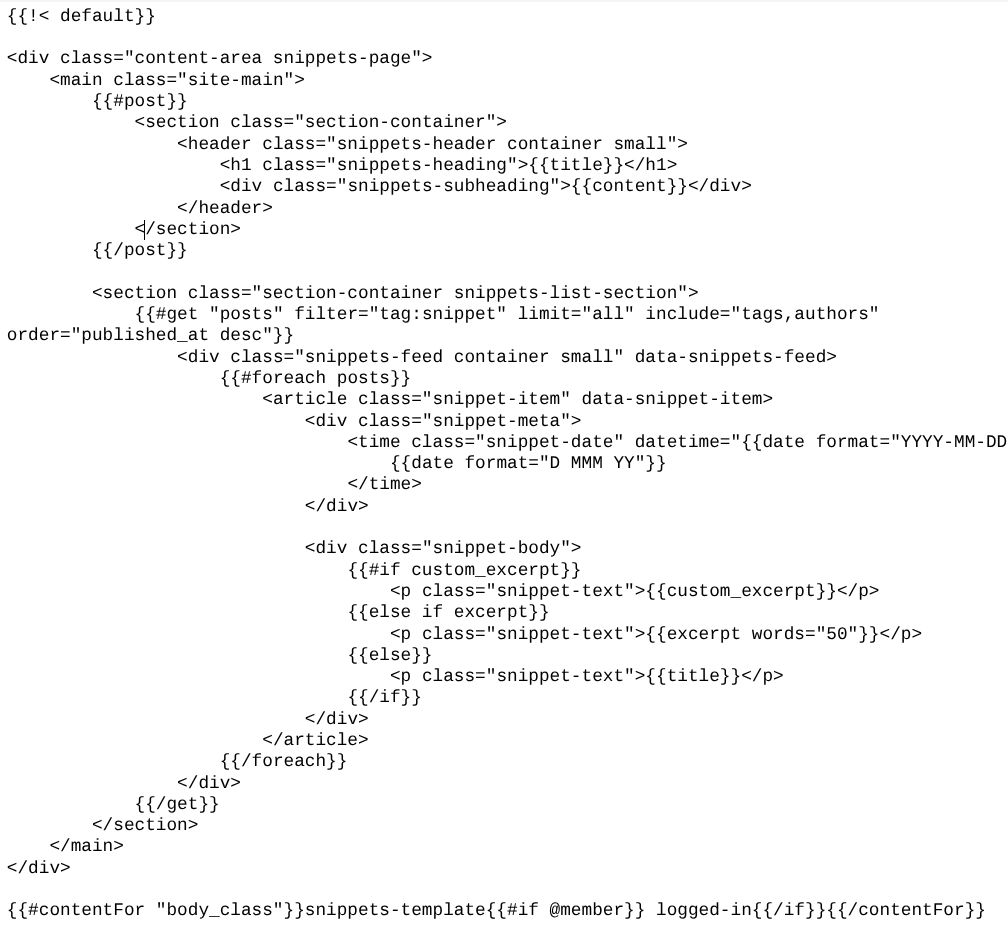
A page template for short micro-blog type post.
This is custom-snippets.hbs
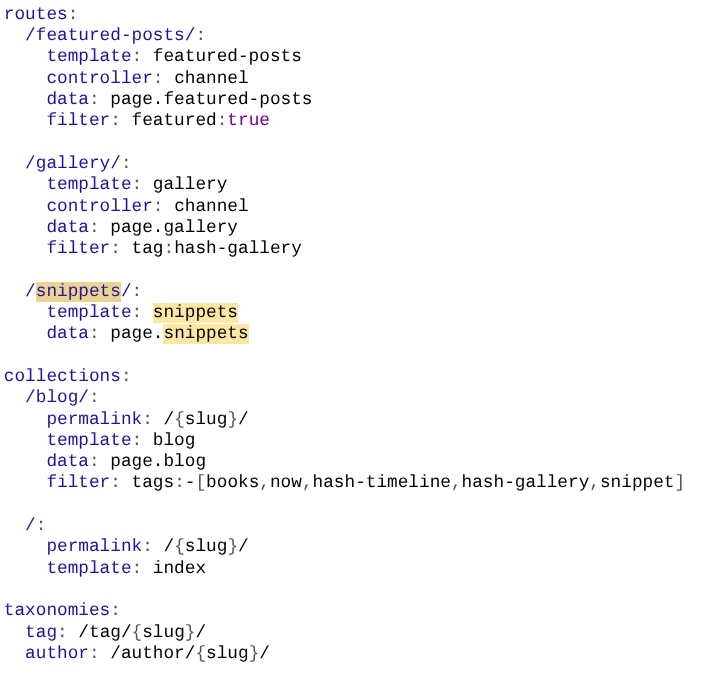
I also put an entry in the routes.yaml
And there was css styling
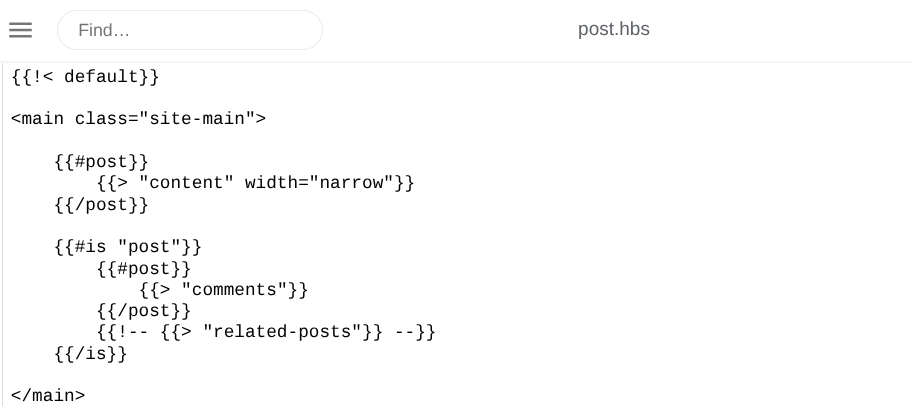
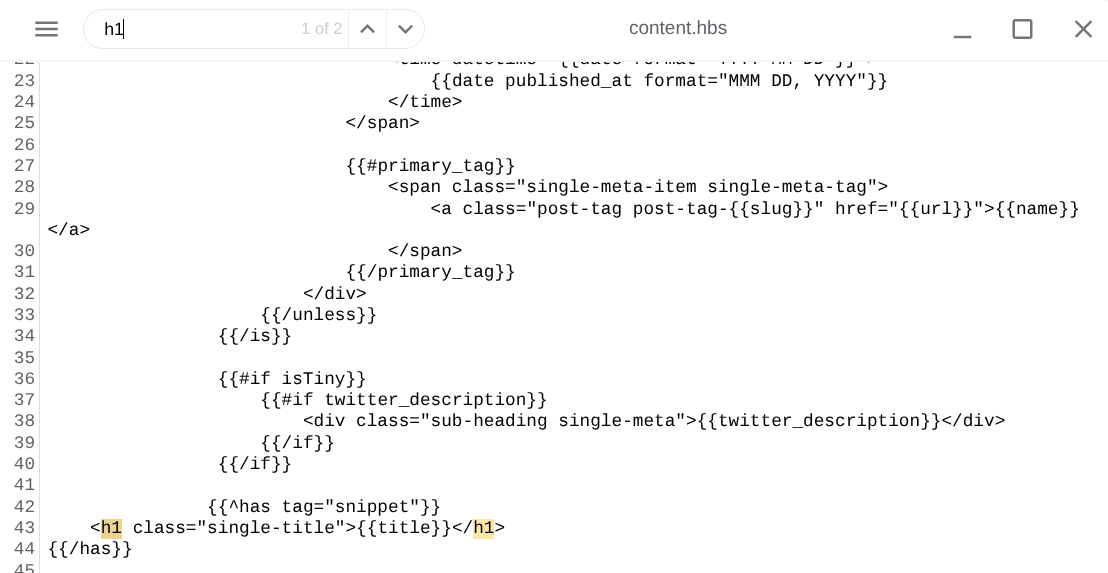
The other part was linking from the posts (using date field) the single posts page had an 'untitled' header and 'similar posts' sections.
Removed similar posts by commenting out:
Removed 'untitled' if post is a snippet with this code in content.hbs
Getting the sidebar 'site.title' to be my name and not the site name.
Ghost is a little odd in that your site name has to match your newsletter name. My preferred site name would be Clive Griffiths, but if I use that the newletter confirmations and posts default to welcoming subscribers to Clive Griffiths, not The Sunday Dispatches.
For branding purposes I want my name to appear to be the site title. This is what I changed to get that, line 109-111 of default.hbs was originally
"<a class="h4 gh-head-title" href="{{@site.url}}">
{{@site.title}}</a>"
This is the revised version.

Simples.
The Sunday Dispatches Newsletter
Join the newsletter to receive the latest updates in your inbox.